
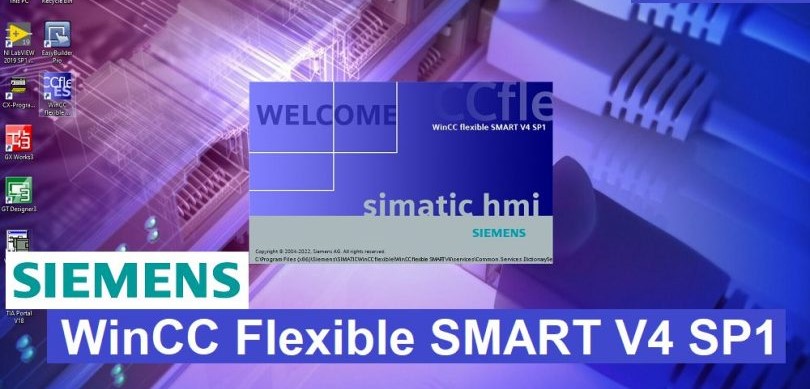
Introduction: SIMATIC WinCC flexible SMART V4 is the latest engineering software designed specifically by Siemens for the Smart Line series (Smart Line V3/V4). This version offers optimized performance, enhanced security features, and a modern interface to streamline your HMI development process.
Key Features of WinCC Flexible SMART V4:
-
Exclusive Support: Specifically tailored for Siemens Smart Line V3 and the latest Smart Line V4 panels.
-
Windows 10 & 11 Compatibility: Fully supports the latest 64-bit operating systems for a smooth engineering experience.
-
Enhanced Communication: Improved drivers for connecting with S7-200 SMART PLC and other controllers.
-
Advanced Graphics: New object libraries and improved screen resolution management for crystal-clear HMI displays.
-
Simplified Engineering: Faster compile times and intuitive drag-and-drop functionalities.
Technical Specifications:
-
Software Name: WinCC flexible SMART V4
-
Version: V4.0
-
Supported OS: Windows 7, Windows 10, Windows 11 (64-bit recommended)
-
File Size: Approx. 1.2 GB
-
Language: English, Chinese.
System Requirements:
-
Processor: Intel Core i3 or higher (2.0 GHz+).
-
RAM: 4 GB minimum (8 GB recommended).
-
Storage: 5 GB of free disk space.
-
Network: Standard Ethernet port for panel communication.
Installation Guide:
-
Download the WinCC flexible SMART V4 installation package from the link below.
-
Extract the compressed file.
-
Right-click on the Setup.exe file and select “Run as Administrator”.
-
Follow the prompts to complete the installation. Note: You may need to uninstall previous SMART versions or ensure no conflicting Siemens software is running.
-
Restart your computer to finalize the setup.
Download Link: [DOWNLOAD WINCC FLEXIBLE SMART V4 ]
[DOWNLOAD WINCC FLEXIBLE SMART V3]
Note: This software is intended for industrial maintenance and development. Please ensure you comply with Siemens’ licensing terms for commercial use.