
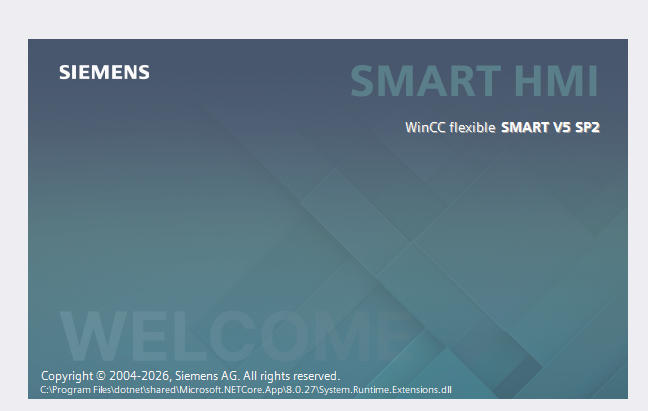
Download the latest Siemens WinCC flexible SMART V5 full installation package with high-speed Google Drive and OneDrive links. Learn about key features, system requirements, and step-by-step installation to program SMART LINE HMI V3/V4 panels.
WinCC flexible SMART V5 is the latest dedicated HMI configuration software package designed by Siemens specifically for the SIMATIC SMART LINE touch panel series (including SMART 700 IE, SMART 1000 IE V3/V4, etc.). Developed as the perfect visual companion to the SIMATIC S7-200 SMART and the new S7-200 SMART G2 PLC controller lines, WinCC flexible SMART V5 offers an optimized, high-efficiency configuration workflow for small-to-medium industrial automation screens.
With the release of version 5, Siemens introduces major security updates, smoother graphical rendering libraries, and improved engineering synchronization tools. If you are developing control panels for modern assembly lines, automated packaging hardware, or industrial concrete mixing stations, updating your software suite to WinCC flexible SMART V5 is highly recommended to unlock the newest HMI hardware features. Below, you will find a full overview, system compatibility, installation guidance, and reliable high-speed download links.
Key Features & Enhancements in WinCC flexible SMART V5
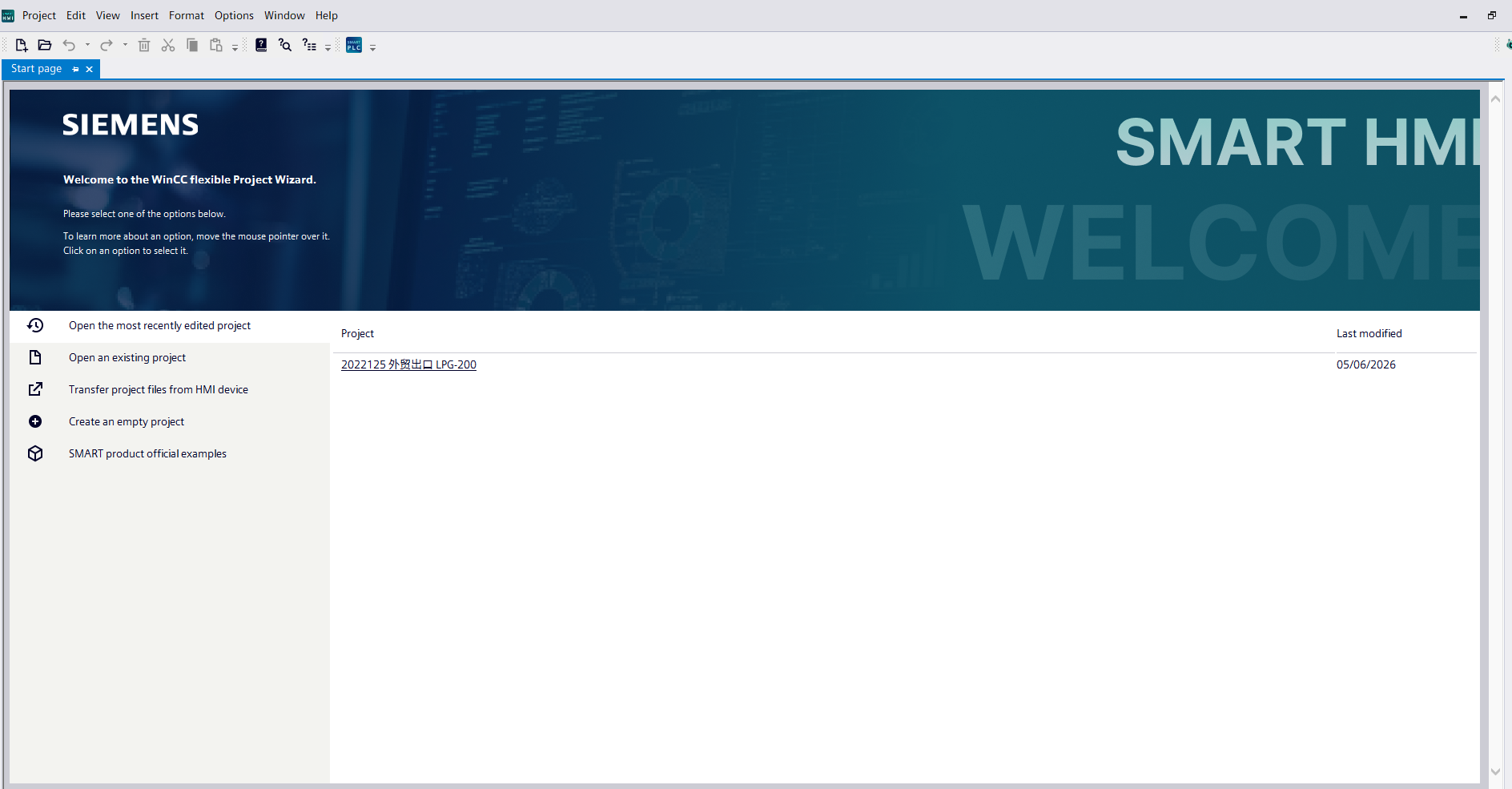
WinCC flexible SMART V5 elevates human-machine interface configuration with several key technical advancements over older versions:
-
Optimized Smart Line Hardware Integration: Full out-of-the-box configuration profiles for the newest generations of Siemens SMART LINE IE touch panels.
-
Perfect Synergy with S7-200 SMART G2: Native Ethernet communication tags and database connections map directly with STEP 7-Micro/WIN SMART project files, streamlining parameter sharing and tag import/export workflows.
-
Enhanced Vector Graphic Libraries: Rich, modernized object libraries featuring high-contrast industrial icons, responsive dynamic buttons, multi-state indicators, and real-time trending charts for superior operator diagnostics.
-
Strengthened Operational Security: Enhanced account administration and cryptographic user access protection, enabling compliant role-based operations on the factory floor.
-
Faster Simulation & Debugging: Upgraded integrated PC-runtime simulation tools that let automation engineers test logic events, screen changes, and alarm triggers without physical hardware on hand.
Software Specification & Technical Summary
-
Software Name: WinCC flexible SMART V5
-
Developer: Siemens AG
-
Target Hardware: Siemens SIMATIC SMART LINE Series (700 IE, 1000 IE, V3/V4 Panels)
-
Complementary PLC: SIMATIC S7-200 SMART & S7-200 SMART G2
-
Supported Features: Alarms, Scripting, Real-time Trends, Recipe Management, Multi-language Support
-
File Type: Compressed Archive (.ZIP / .RAR)
System Requirements
To run the WinCC flexible SMART V5 configuration layout editor smoothly and prevent compilation errors, ensure your system adheres to the following specifications:
-
Operating System: Microsoft Windows 10 (64-bit) Professional/Enterprise or Windows 11 (64-bit).
-
Processor: Intel Core i3 / i5 or AMD Ryzen processor running at 2.4 GHz or higher.
-
RAM: Minimum 8 GB required (16 GB recommended for concurrent PLC/HMI runtime simulation).
-
Storage: 4 GB minimum free space on a high-speed Solid State Drive (SSD).
-
Display Resolution: 1366×768 pixels minimum (1920×1080 Full HD recommended for optimal workspace layouts).
📥 Download WinCC flexible SMART V5 Setup Package
Get original, verified, and pristine setup files directly from our fast server archives. Click the links below to begin your download:
-
WinCC flexible SMART V5 Full Installation Package
💡 Step-by-Step Installation Guide:
Temporarily pause your system antivirus protection or Windows Defender real-time tracking to ensure the setup script components execute without file blocking.
Unpack the downloaded archive using the newest utility version of WinRAR or 7-Zip.
Open the root folder, locate the
Setup.exeexecutable, right-click, and pick “Run as Administrator”.Follow the intuitive setup installation paths, select your preferred UI workspace language, and restart your workstation immediately upon completion to finalize drivers registry integration.
Professional Automation Engineering & Integration Services
Are you deploying a brand new Siemens SMART solution, having difficulty importing communication tags between your S7-200 SMART G2 and WinCC flexible, or designing complex visualization layouts for industrial infrastructure?
We provide full-service engineering support including professional custom HMI layout design, tailored monitoring solutions, PLC code architecture building (C#, C++, SQL link setups), and seamless hardware commission. Reach out to our engineers for rapid technical assistance or direct B2B product provisioning.
Hotline / Zalo Support: 0938.999.656
Official Technical Email: plcworldhub.com@gmail.com
Tags/Keywords: WinCC flexible SMART V5 download, WinCC flexible SMART V5 Google Drive, Siemens Smart Line HMI software, S7-200 SMART G2 HMI software download, Download WinCC flexible SMART free, SMART LINE V4 HMI software.