
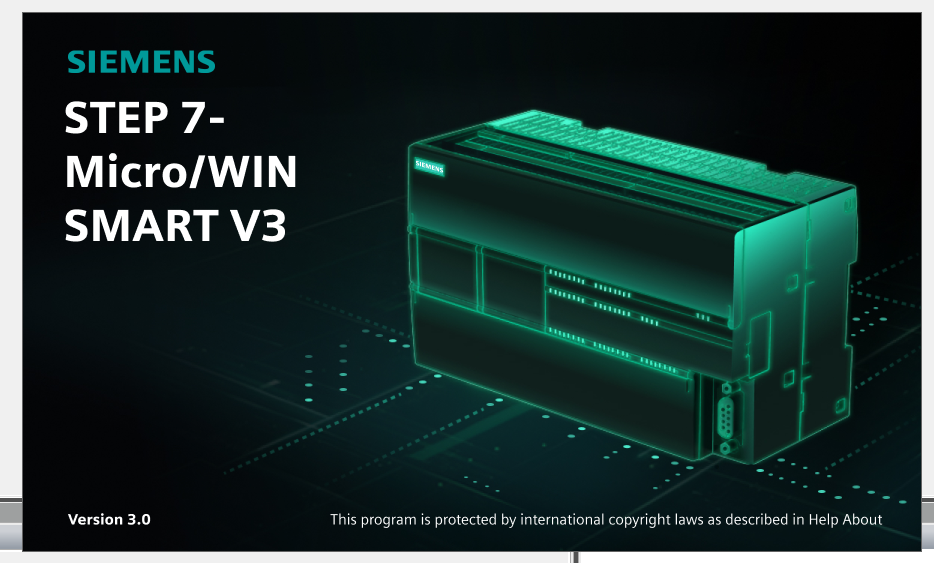
Download the latest Siemens STEP 7-Micro/WIN SMART V3.0 and V3.0.1 full setup with high-speed Google Drive links. Learn how to program the new SIMATIC S7-200 SMART G2 micro-controllers, system requirements, and installation guide.
STEP 7-Micro/WIN SMART is the dedicated, high-performance programming software developed by Siemens specifically for the SIMATIC S7-200 SMART Micro PLC family. With the introduction of the brand new SIMATIC S7-200 SMART G2 (Generation 2) hardware, Siemens has released V3.0 and its latest maintenance update V3.0.1 to fully support the enhanced capabilities of these next-generation micro-controllers.
Whether you are maintaining an existing legacy machinery line running on S7-200 SMART G1 or designing a modern, high-efficiency automatic concrete batching plant, packing production line, or water treatment system utilizing the sleek new S7-200 SMART G2, upgrading to V3.0/V3.0.1 is highly recommended. In this article, you will find detailed technical insights, system requirements, a feature breakdown, and reliable, high-speed direct links to download the official software installation package.
What’s New in STEP 7-Micro/WIN SMART V3.0 & V3.0.1?
The transition from older versions (like V2.x) to Version 3.0 represents a major milestone, specifically engineered to bridge software flexibility with the revamped G2 hardware architecture. Key enhancements include:
-
Full Support for S7-200 SMART G2: Seamless configuration for the ultra-compact G2 CPU models, allowing engineers to exploit the reduced hardware footprint and increased module high-density capabilities.
-
Expanded I/O Configuration Capacity: Enables support for up to 16 extension modules and dual Signal Boards (SB) simultaneously on compatible G2 CPUs (e.g., ST32 G2), dramatically multiplying your physical I/O layout options.
-
Advanced Logic Library Structures: Full integration of User-Defined Data Types (UDTs) and Function Blocks (FBs) inside user-defined libraries, allowing structured, clean, and highly reusable object-oriented PLC code architecture.
-
Integrated Signal Trace Functionality: An outstanding debugging tool that executes trace tasks directly on the CPU hardware independently of the scan cycle, allowing precision diagnostic analysis and variable logging over time.
-
Enhanced Industrial Cybersecurity: Native support for Web Server configuration and Web API communication secured natively via HTTPS protocols, accompanied by granular User Management Access Control (UMAC) levels (Admin, Maintainer, Visitor).
Software Specification & Technical Summary
-
Software Name: STEP 7-Micro/WIN SMART
-
Version Available: V3.0 / V3.0.1 (Latest Maintenance Release)
-
Developer: Siemens AG
-
Supported Hardware: SIMATIC S7-200 SMART G1 & G2 (Standard CR/SR/ST CPUs)
-
Programming Languages: Ladder Logic (LAD), Function Block Diagram (FBD), Statement List (STL)
-
File Format: Compressed .ZIP / .RAR (Includes installation setup executable)
System Requirements
To ensure absolute stability, fast compilation times, and glitch-free live hardware monitoring/online modifications, verify that your engineering laptop or PC meets the following minimum and recommended operational conditions:
-
Operating System: Windows 10 (64-bit) Professional/Enterprise or Windows 11 (64-bit) Pro.
-
Processor: Intel Core i3 / i5 or AMD equivalent running at a minimum base clock of 2.0 GHz.
-
RAM: 8 GB minimum (16 GB highly recommended for heavy multi-tasking alongside SCADA or HMI simulation).
-
Hard Disk Space: At least 5 GB of free uncompressed space on an SSD storage drive.
-
Communication Interfaces: Standard RJ45 Ethernet port (or USB-to-Ethernet adapter) for direct PLC connection.
📥 Download STEP 7-Micro/WIN SMART V3.0 & V3.0.1 Link
We provide original, malware-free setup packages hosted on high-speed servers for the absolute best download experience. Please choose the specific package below according to your project requirements:
-
1. STEP 7-Micro/WIN SMART V3.0 Full Setup Package
-
2. STEP 7-Micro/WIN SMART V3.0.1 Update/Full Setup Package
💡 Installation Instructions & Tips:
Deactivate your local Windows Defender or third-party Antivirus temporarily during the extraction process to avoid false-positive flag interruptions.
Extract the downloaded archive using the latest version of WinRAR or 7-Zip.
Right-click on the
Setup.exefile and select “Run as Administrator”.Follow the on-screen wizard prompts, select your preferred installation language, and restart your computer immediately upon successful installation completion.
Need Technical Assistance or Commercial Automation Solutions?
Are you experiencing difficulties downloading the software, setting up communications via the built-in dual-port Ethernet interface, or looking to upgrade your legacy automation infrastructure to the latest Siemens G2 hardware?
We provide end-to-end industrial automation services, including PLC/HMI electrical control cabinet design, custom software architecture development (C#, C++, SQL integration), SCADA system monitoring deployment, and automated industrial plant optimization.
Get in touch with our engineering team today for a premium technical consultation or competitive product quotation:
-
Hotline / Zalo Support: 0938.999.656
-
Official Technical Email: plcworldhub.com@gmail.com
Tags/Keywords: Step 7 Microwin Smart V3.0 download, Microwin Smart V3.0.1 free, S7-200 SMART G2 programming software, Siemens Micro PLC software download, PLC SMART V3 download link, S7-200 SMART G2 software.